
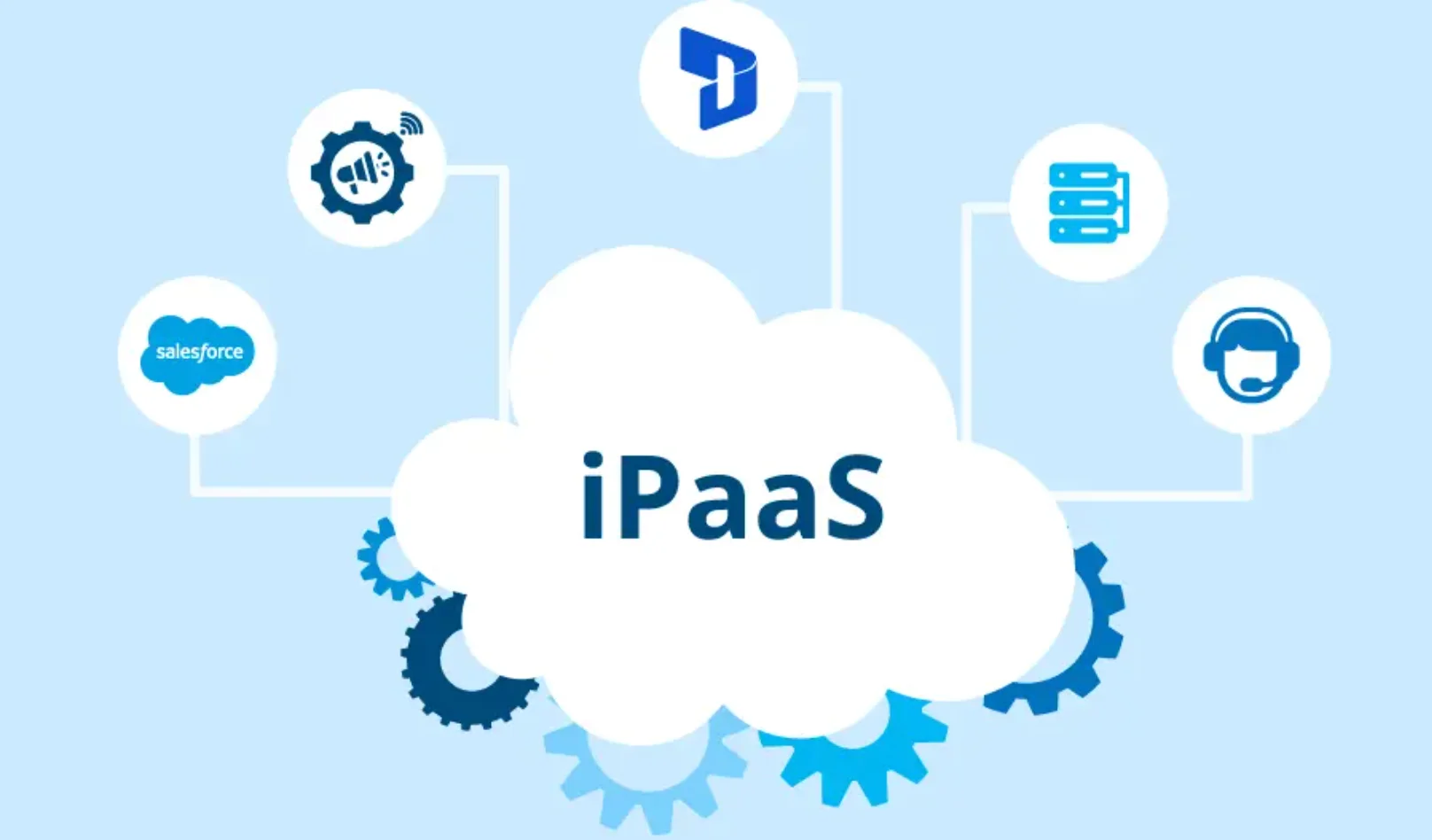
An integration platform as a service helps a business connect the apps it already uses, so data can move smoothly across teams. It reduces manual work, keeps records aligned, and helps everyday processes run with less friction. When the platform fits real needs, departments can share information in a cleaner and more useful way.
That is why buyers look past flashy features and pay attention to practical value. People searching for tray.io alternatives or similar options usually want a platform that feels reliable, flexible, and easy to manage across different teams. The right choice should support day-to-day work without making setup or maintenance feel heavy.
Ease Of Use Across Teams
Usability matters early because a platform should make work simpler from the start. A clean dashboard, clear labels, and a visual workflow builder help users understand what to do without extra effort. When the system feels intuitive, teams can build and adjust automations more easily.
That ease should extend to different roles inside the business. Technical users may want deeper logic controls, while business teams may want straightforward steps and readable workflows. A good platform supports both groups in a natural way.
Connector Range And Depth
A strong platform should connect the tools a business already depends on. That includes customer systems, internal apps, databases, and support tools that need to share information across teams. Good connector coverage gives the business more ways to unify work.
Depth matters just as much as range. Connectors should support triggers, actions, field mapping, and detailed data handling instead of shallow links. When those connections feel complete, workflows become far more useful in real operations.
Flexible Workflow Design
Every business has its own approval paths, alerts, and handoffs, so rigid automation rarely works well. A solid platform should support a good user interface, filters, branches, schedules, and custom logic that match actual tasks. That flexibility helps teams build processes that fit daily work.
API support also adds real value. It allows teams to connect niche tools or internal systems that may not appear in standard templates. With that freedom, the platform can serve more practical use cases across the company.
Reliability And Clear Visibility
Reliability shapes the everyday experience of any integration tool. If workflows fail quietly or data arrives late, teams lose trust in the system very quickly. A dependable platform keeps information moving on time and supports smoother operations.
Visibility is just as important. Logs, alerts, retry rules, and run history help teams spot issues and fix them before they spread. When problems are easy to trace, the whole system feels easier to manage.
Security And Admin Control
Security should be built into the platform from the start. Since workflows may handle customer records, payment details, or internal data, access controls and audit logs matter a great deal. These features help protect information and support safer use across the business.
Admin control also keeps the platform organized as usage grows. Teams need clear permissions, change tracking, and simple oversight to keep workflows consistent. Good governance makes automation easier to manage across departments.
The best integration platform is the one that fits real business work in a clear and practical way. It should connect the right systems, support flexible workflows, and offer dependable performance that teams can trust each day. Buyers who review options like tray.io alternatives usually get the most value from a platform that feels simple to use while still offering strong control. When usability, connector depth, reliability, and security come together, the platform becomes a useful part of daily operations.

David Weber is an experienced writer specializing in a range of topics, delivering insightful and informative content for diverse audiences.