
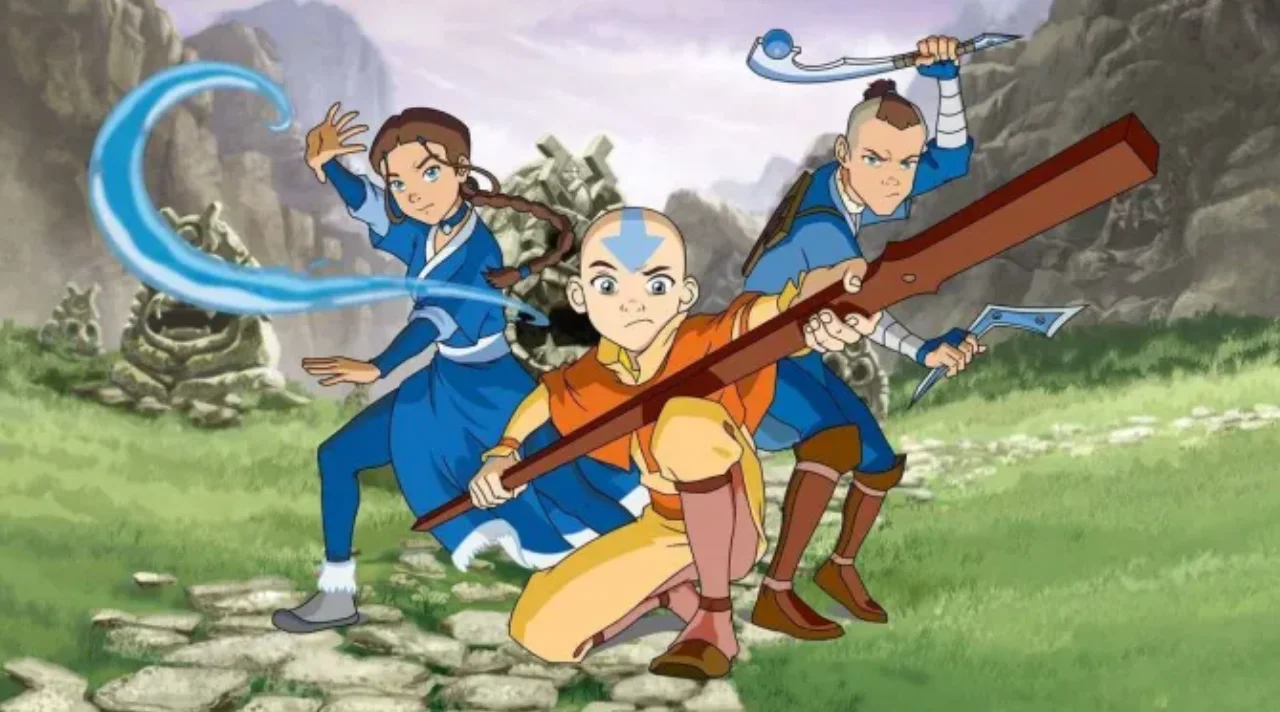
In the digital age, an animated avatar serves as a dynamic representation of individuals or characters in virtual spaces, bringing personality and interactivity to online interactions. Adobe, a leader in creative software, offers powerful tools that enable users to design and animate these engaging figures. Whether for social media, gaming, or professional presentations, creating an animated avatar with Adobe’s suite can transform static images into lively expressions. This article delves into how Adobe’s ecosystem supports the creation and utilization of animated avatars, highlighting its innovative features and workflows.
Adobe’s Suite for Crafting Animated Avatars
Adobe provides a comprehensive set of applications tailored for animation and design, making it an ideal choice for developing an animated avatar. At the forefront is Adobe Character Animator, a specialized tool designed specifically for bringing characters to life through real-time performance capture. This software allows users to sync facial expressions, gestures, and voice with a digital puppet, resulting in a seamless animated avatar that mirrors the creator’s movements. By using a webcam and microphone, artists can perform actions that are instantly translated into animations, eliminating the need for complex keyframing.
Complementing this is Adobe Animate, formerly known as Flash, which offers robust vector-based animation capabilities. Users can draw or import artwork and then animate it frame by frame or through tweening techniques to create fluid motions for their animated avatar. Adobe Animate integrates seamlessly with other Adobe products, allowing for the import of assets from Photoshop or Illustrator to build detailed character designs. For instance, layering facial features like eyes, mouths, and limbs enables precise control over expressions, making the animated avatar more expressive and customizable.
Adobe After Effects also plays a crucial role in enhancing animated avatars with advanced effects and compositing. This motion graphics software lets users add particle effects, lighting, or even integrate 3D elements to elevate a simple animated avatar into a professional-grade asset. By combining layers and applying keyframes, creators can simulate realistic movements, such as walking cycles or emotional responses, ensuring the animated avatar feels alive and immersive.
Step-by-Step Guide to Creating an Animated Avatar in Adobe
Getting started with an animated avatar in Adobe is straightforward, thanks to intuitive interfaces and tutorials available within the software. Begin in Adobe Photoshop or Illustrator to design the base character. Sketch out the body, face, and accessories, ensuring separate layers for movable parts like arms, eyes, and mouth. This modular approach is essential for animation later on.
Next, import the artwork into Adobe Character Animator. Here, rig the character by assigning behaviors such as head turning, eye blinking, and lip-syncing. The software’s auto-rigging features detect facial landmarks via webcam, allowing real-time animation. Record a performance where you speak and move, and watch as your animated avatar replicates it instantly. For refinements, use the timeline to adjust timings or add triggers for specific actions, like waving or smiling.
If more polish is needed, transfer the project to Adobe Animate for additional tweening. Apply easing functions to smooth transitions, or use bone tools to deform parts of the animated avatar naturally. Finally, export the result in various formats, such as video files or interactive SWFs, ready for use in digital platforms.
Adobe’s Creative Cloud integration ensures a smooth workflow across these tools. Updates and assets sync automatically, allowing iterative improvements without data loss. For beginners, Adobe offers extensive learning resources, including step-by-step guides and community forums focused on animated avatar creation.
Applications and Benefits of Animated Avatars Using Adobe
The versatility of an animated avatar created with Adobe extends to numerous fields. In education, teachers can use Character Animator to develop engaging avatars for virtual lessons, making complex topics more relatable through animated explanations. Businesses leverage Adobe Animate to craft branded avatars for marketing campaigns, enhancing customer interactions on websites or apps with personalized animations.
In entertainment, Adobe After Effects enables the production of high-quality animated avatars for videos or streams, incorporating effects like glows or shadows for a cinematic feel. Content creators on platforms benefit from these tools to produce consistent character representations that build audience loyalty.
One key benefit is accessibility; Adobe’s tools support diverse skill levels, from novices using pre-built puppets in Character Animator to experts layering intricate animations in After Effects. Moreover, Adobe’s commitment to inclusivity means features like customizable skin tones and expressions allow for representative animated avatars that reflect global diversity.
Performance-wise, Adobe optimizes its software for efficiency, ensuring smooth rendering even on mid-range hardware. Regular updates introduce AI-driven features, such as automated lip-sync enhancements, streamlining the creation process further.
Future Prospects with Adobe’s Animated Avatar Tools
Looking ahead, Adobe continues to innovate in the realm of animated avatars. Integrations with emerging technologies like augmented reality (AR) via Adobe Aero allow users to place their creations in real-world environments, expanding applications to interactive experiences. AI advancements in tools like Sensei promise smarter automation, such as generating walk cycles or predicting expressions, reducing manual effort.
In summary, Adobe stands as a powerhouse for anyone interested in an animated avatar. Its interconnected tools—Character Animator, Animate, and After Effects—provide end-to-end solutions for design, animation, and deployment. By harnessing these, creators can produce captivating digital personas that enhance communication and creativity. With over 800 words in this exploration, it’s clear that Adobe’s ecosystem empowers endless possibilities for animated avatars, fostering innovation in personal and professional digital expressions.

David Weber is an experienced writer specializing in a range of topics, delivering insightful and informative content for diverse audiences.