
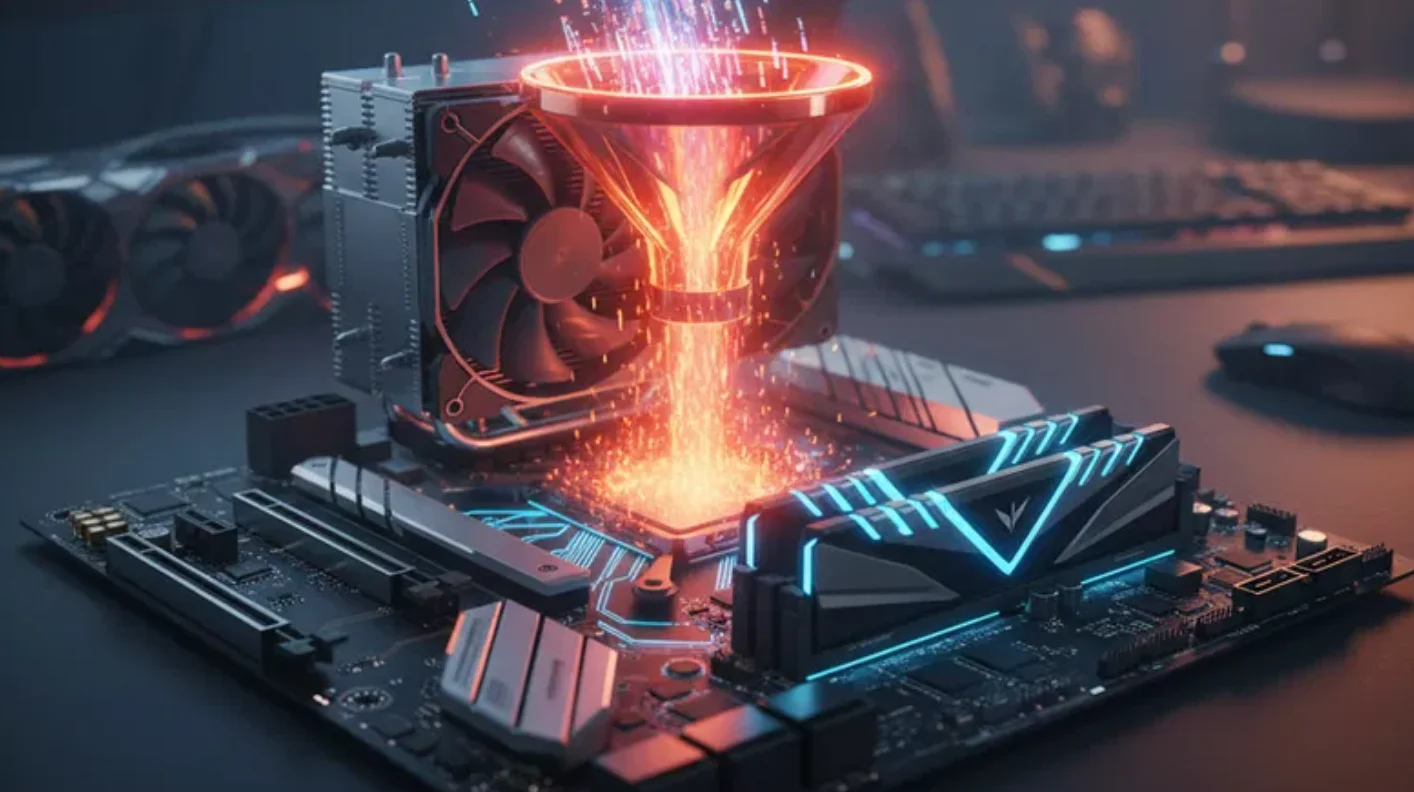
Does RAM Cause a Bottleneck? Here’s What Most Gamers Get Wrong is a question I hear almost every time someone upgrades their GPU and sees zero FPS improvement. You install a powerful graphics card. You launch your favorite game. You expect buttery-smooth performance. Instead, you get the same stutters.
So naturally, you ask: Does RAM cause a bottleneck? The short answer is yes, RAM can cause a bottleneck. The long answer is where most gamers get confused. Many players assume that low FPS automatically means a RAM bottleneck. Others believe upgrading from 16GB to 32GB will magically double performance. Some even rely entirely on online bottleneck calculators without understanding what is actually happening inside their PC.
In this guide, we are going to break down “Does RAM Cause a Bottleneck? Here’s What Most Gamers Get Wrong” in plain English. No technical overload. No confusing jargon. Just real explanations and practical advice.
What Is a Bottleneck in Gaming?
Before answering “Does RAM Cause a Bottleneck? Here’s What Most Gamers Get Wrong,” we need to understand what a bottleneck actually is. A bottleneck in gaming happens when one component limits the performance of another. Think of it like traffic on a highway. If one lane narrows, everything slows down.
In a gaming PC, your CPU, GPU, and RAM work together. If one of them cannot keep up, it creates a bottleneck. For example, if your GPU is at 99% usage while your CPU sits at 40%, your GPU is likely the limiting factor. If your CPU is maxed out but your GPU is barely working, then you have a CPU bottleneck, which some gamers try to estimate using a CPU bottleneck calculator.
So where does RAM fit into this? RAM acts as your system’s short-term memory. It stores active game data so your CPU and GPU can access it quickly. If there is not enough RAM, or if it is too slow, performance can suffer. But here is what most gamers get wrong about RAM bottlenecks. RAM is rarely the first component to cause a bottleneck in modern gaming builds.
How RAM Actually Affects Gaming Performance
To fully understand “Does RAM Cause a Bottleneck? Here’s What Most Gamers Get Wrong,” you need to know what RAM actually does during gameplay. When you load into a game, textures, maps, character models, and background processes are stored in RAM. The more complex the game, the more memory it uses.
If your system runs out of RAM, it starts using your storage drive as virtual memory. That is when stuttering begins. That is when loading times increase. That is when you start blaming everything.
But here is the key point. RAM capacity and RAM speed are two different things. Capacity refers to how much memory you have, like 8GB, 16GB, or 32GB. Speed refers to how fast that memory transfers data, measured in MHz.
If you have only 8GB of RAM in 2026 and you are playing modern AAA titles, you may experience a RAM bottleneck. If you have 16GB of RAM in dual-channel mode, you are usually safe for most games. If you jump from 16GB to 32GB without actually using more than 12GB, you will likely see no FPS increase.
That is exactly where confusion around “Does RAM Cause a Bottleneck? Here’s What Most Gamers Get Wrong” begins. More RAM does not automatically equal more FPS. It only helps when you are already hitting the memory limit.
Can RAM Cause a Bottleneck? (The Honest Answer)
Now let us directly answer the question: Does RAM Cause a Bottleneck? Yes, RAM can cause a bottleneck. But only in specific situations.
- RAM can cause a bottleneck if you do not have enough capacity.
- RAM can cause a bottleneck if you are using single-channel memory.
- RAM can cause a bottleneck if your memory speed is extremely low compared to your CPU capability.
- RAM can cause a bottleneck if you are gaming while running heavy background apps.
However, RAM is not the bottleneck if your GPU is running at full usage.
- RAM is not the bottleneck if your CPU is constantly at 100%.
- RAM is not the bottleneck if your system is overheating and throttling performance.
This is where most gamers get it wrong. They see low FPS and immediately blame RAM. In reality, the GPU is often the limiting factor in most gaming scenarios, which is why relying on a best bottleneck calculator alone can be misleading.
So when asking “Does RAM Cause a Bottleneck? Here’s What Most Gamers Get Wrong,” the honest answer is this: RAM bottlenecks happen, but they are less common than GPU or CPU bottlenecks.
What Most Gamers Get Wrong About RAM Bottlenecks
The biggest myth about “Does RAM Cause a Bottleneck? Here’s What Most Gamers Get Wrong” is the belief that upgrading RAM always improves performance.
- Assuming 32GB guarantees higher FPS than 16GB. In most games, it does not.
- Ignoring dual-channel configuration. Two 8GB sticks often perform better than one 16GB stick.
- Confusing stuttering with GPU limitations. Frame drops during intense scenes often point to GPU strain, not RAM shortage.
- Trusting online bottleneck calculators blindly. Those tools provide rough estimates, not real-world performance metrics.
The truth is, balanced builds matter more than overloading one component. Spending extra on RAM while pairing it with a weak GPU does not solve bottlenecks. That is the core misunderstanding behind “Does RAM Cause a Bottleneck? Here’s What Most Gamers Get Wrong.”
How to Tell If Your RAM Is the Problem
If you are still wondering, “Does RAM Cause a Bottleneck? Here’s What Most Gamers Get Wrong,” here is how to test it properly. Open Task Manager while gaming. Check your memory usage.
If your RAM usage is consistently at 95 to 100%, you may have a RAM bottleneck. If you experience stutters when new areas load, it could be memory-related. If closing background apps improves FPS, RAM may be the issue.
However, if your RAM usage sits around 60% while your GPU is maxed out, RAM is not your bottleneck. Monitoring tools are your best friend. Guessing is your worst enemy.
Ideal RAM Setup for Gamers in 2026
When discussing “Does RAM Cause a Bottleneck? Here’s What Most Gamers Get Wrong,” future-proofing becomes important.
For 1080p gaming in 2026, 16GB of RAM in dual-channel mode is the sweet spot. For 1440p gaming, 16GB is still solid, but 32GB adds comfort for multitasking. For 4K gaming, GPU power matters more than RAM beyond 16GB.
Competitive gamers benefit from faster RAM speeds paired with strong CPUs. AAA gamers benefit more from sufficient capacity. The key takeaway is balance. Avoid going extreme on RAM while ignoring CPU and GPU synergy.
RAM vs CPU vs GPU: Which One Bottlenecks Most Often?
If you search “Does RAM Cause a Bottleneck? Here’s What Most Gamers Get Wrong,” you will notice something interesting. Most real-world bottlenecks are GPU-related.
In high-resolution gaming, the GPU does most of the heavy lifting. At lower resolutions with high refresh rates, the CPU can become the bottleneck. RAM bottlenecks usually appear in low-capacity systems or poorly configured builds.
That means if you are choosing where to upgrade, GPU upgrades often provide the biggest performance gains. CPU upgrades come next in competitive scenarios. RAM upgrades help only when you are hitting limits.
Final Verdict
So, does RAM cause a bottleneck? Yes, RAM can cause a bottleneck. But it is not the villain most gamers think it is.
The real issue behind “Does RAM Cause a Bottleneck? Here’s What Most Gamers Get Wrong” is misunderstanding how components interact. RAM matters. Capacity matters. Speed matters. Configuration matters. But balance matters more.
Before upgrading, monitor your usage. Identify the real limiting component. Make smart, data-driven decisions instead of emotional upgrades. That is how you avoid wasting money. That is how you build a balanced gaming PC.
FAQs
Does 16GB RAM eliminate bottlenecks?
No, 16GB RAM does not eliminate all bottlenecks. It eliminates most memory-related bottlenecks in modern gaming. However, GPU or CPU limitations can still exist.
Can 8GB RAM run modern games?
Yes, 8GB RAM can run some modern games. However, it often causes stuttering in AAA titles. In 2026, 8GB is considered the bare minimum.
Does RAM speed matter for FPS?
Yes, RAM speed can affect FPS, especially in CPU-intensive games. The impact is usually modest but noticeable in competitive titles.
Is 32GB RAM overkill for gaming?
For most gamers, 32GB RAM is more than necessary. It becomes useful for streaming, content creation, or heavy multitasking.
How do I know what’s bottlenecking my PC?
Monitor CPU, GPU, and RAM usage while gaming. The component consistently hitting its limit is likely your bottleneck. Use real-time data instead of guessing.

David Weber is an experienced writer specializing in a range of topics, delivering insightful and informative content for diverse audiences.