
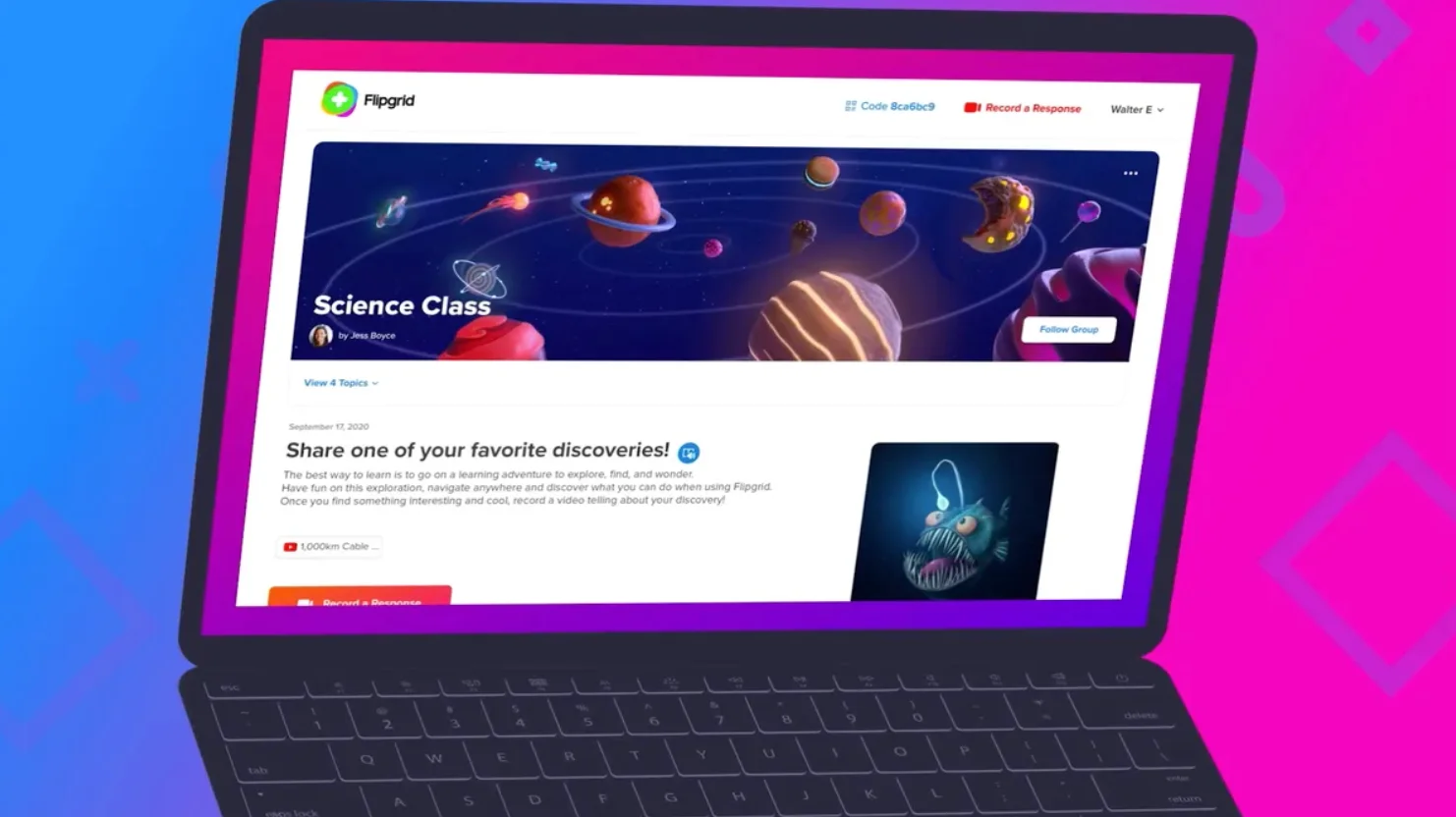
Digital tools have changed the way teachers and students communicate in modern classrooms. One platform that became widely popular for interactive learning is Flipgrid. Instead of relying only on written assignments or forum discussions, Flipgrid allows students to respond to questions through short videos.
This approach makes classroom discussions more engaging and personal. Students can explain their ideas verbally, show creativity, and communicate more naturally compared to written responses.
The platform eventually became part of Microsoft and many of its features were integrated into tools like Microsoft Teams. Even though the standalone service was retired, the concept of video-based learning continues to influence digital education today.
What Is Flipgrid?
Flipgrid app is an online educational tool that allows teachers to create discussion prompts and students to answer them using short videos.
Instead of typing answers in discussion forums, students record their responses using their device camera. These videos are then shared in a gallery where classmates can watch and learn from each other.
Key Characteristics of Flipgrid
- Video-based classroom discussions
- Simple interface for students and teachers
- Accessible on desktop, tablet, and smartphone
- Supports creative video responses
- Encourages collaboration between students
This format helps classrooms become more interactive and encourages students to express their ideas more confidently.
Core Components of Flipgrid
The platform is built around a few simple elements that organize classroom activities.
| Component | Description |
| Grid | The main classroom space where discussions happen |
| Topic | A question or assignment created by the teacher |
| Video Response | A short video recorded by students to answer the topic |
| Replies | Additional videos posted by classmates as responses |
These elements work together to create an interactive learning environment where discussions happen through video rather than text.
Step-by-Step: How Flipgrid Works
Using Flipgrid in a classroom follows a simple process.
1. Teacher Creates a Grid
A teacher first creates a grid, which acts as a virtual classroom. Privacy settings ensure that only invited students can join.
2. Teacher Posts a Topic
Next, the teacher posts a discussion topic. This could be:
- A question
- A short assignment
- A discussion prompt
- A presentation task
Teachers can also attach images, links, or instructions to guide students.
3. Students Join the Grid
Students join the grid using a code or invitation link. They can access it through a browser or mobile device.
4. Students Record Video Responses
Students record their answers using their device camera. The platform allows them to add creative elements such as:
- Text overlays
- Stickers and emojis
- Drawings
- Images
5. Students Watch and Respond to Classmates
Once responses are posted, students can watch other videos and reply to them. This creates a natural classroom discussion.
6. Teacher Reviews and Provides Feedback
Teachers can monitor all responses, moderate videos, and provide feedback in the form of:
- Written comments
- Video replies
- Evaluation rubrics
Main Features of Flipgrid
Several features made Flipgrid popular among teachers and students.
Important Features
- Short Video Discussions
Students answer questions using quick video recordings. - Creative Video Editing Tools
Stickers, text, and drawings make responses more engaging. - Moderation Controls
Teachers can approve videos before they become visible. - Accessibility Tools
Automatic captions help students understand videos more easily. - Integration with Learning Platforms
Flipgrid connects with tools like- Google Classroom
- Microsoft Teams
These features made it easier for teachers to include video discussions in their digital classrooms.
Benefits of Using Flipgrid in Education
Flipgrid offered several advantages for modern learning environments.
Key Benefits
1. Increased Student Engagement
Students often feel more comfortable speaking on video rather than writing long responses.
2. Improved Communication Skills
Recording videos helps students practice speaking clearly and presenting ideas.
3. Encourages Participation
Shy students who hesitate to speak in class may feel more confident recording their responses.
4. Supports Remote Learning
Students can participate in discussions from anywhere using their devices.
5. Promotes Collaborative Learning
Watching classmates’ responses exposes students to different perspectives and ideas.
Flipgrid vs Traditional Discussion Boards
| Feature | Flipgrid | Traditional Forums |
| Response Format | Video | Text |
| Engagement Level | High | Moderate |
| Creativity | High | Limited |
| Communication Skills | Strong focus | Mostly writing |
| Classroom Interaction | Interactive | Less dynamic |
This comparison shows why video-based discussions became attractive to educators.
What Happened to Flipgrid?
Over time, Microsoft decided to integrate Flipgrid’s functionality into its broader education ecosystem. As a result, many of the platform’s features were moved into Microsoft Teams.
By combining video discussions with messaging, assignments, and meetings, teachers could manage their classrooms within a single platform.
Although the original Flipgrid service is no longer available as a standalone platform, its approach to video-based learning continues to influence modern educational tools.
Conclusion
Flipgrid introduced a creative way for students and teachers to interact in the classroom. By replacing text discussions with short videos, it made learning more engaging and collaborative.
The platform allowed students to share ideas, watch their classmates’ responses, and participate in discussions more actively. Teachers could also monitor participation and provide meaningful feedback.
Even though the standalone platform has been retired, its ideas live on in tools such as Microsoft Teams, showing how video communication can transform modern education.

David Weber is an experienced writer specializing in a range of topics, delivering insightful and informative content for diverse audiences.