

Smartphones shape how you work, relax, and sleep, often without you noticing. Constant pings, late-night scrolling, and bright screens can drain focus and delay rest. With a few small changes, your phone can support your goals instead of fighting them. This guide shares practical tips to manage notifications, use focus tools, protect your eyes, and set healthier boundaries. You will see how to stay productive during the day and calm your mind before bed. Simple settings, clear rules, and consistent habits can turn your smartphone into a helpful tool for both work and sleep.
Use Your Smartphone More Effectively at Work
Manage Notifications to Reduce Distractions
Every notification grabs your attention and breaks concentration, even if you ignore it. Start by turning off non-essential alerts for social media, games, and shopping apps. Keep key notifications only for calls, messages from important contacts, and critical work tools. Group less urgent alerts into scheduled summaries so they arrive at set times. On many phones, you can choose silent delivery for specific apps, which hides banners but keeps them in the notification center. Review app permissions regularly and revoke access you do not need. When you control what can interrupt you, your brain stays focused longer, and work feels less scattered.
Use Focus Modes to Improve Productivity
Focus modes help reduce digital distractions when you need to concentrate on important tasks. They let you control who can contact you and which apps can send alerts, so you are not pulled away by every message or notification. Set up a “Work” focus that allows calls from key colleagues and family, while muting less urgent updates. Schedule it during your core work hours, deep-focus sessions, or any time you need fewer interruptions. You can also create a separate “Meeting” or “Presentation” focus that silences all alerts except emergencies. When possible, sync focus settings across your devices so your phone, laptop, and tablet follow the same rules. These simple guardrails help protect your attention, support better work habits, and make it easier to stay focused throughout the day.
Take Regular Screen Breaks Throughout the Day
Staring at your phone and computer for hours strains your eyes and body. Use your smartphone to remind you to take breaks instead of pulling you deeper into work. Set a simple timer or use a productivity app to follow the 20-20-20 rule: every 20 minutes, look at something 20 feet away for 20 seconds. Stand up, stretch your neck and shoulders, and walk a few steps. During short breaks, avoid jumping straight to social media; it keeps your brain in “work” mode. Instead, drink water or breathe deeply for a minute. Short, regular pauses keep energy higher and reduce end-of-day fatigue.
Build Healthier Smartphone Habits Before Bed
Create a Screen-Free Wind-Down Routine
Your brain needs a clear signal that the day is ending. If you scroll until you feel exhausted, your mind stays wired, and sleep comes later. Set a phone curfew 30–60 minutes before bed and stick to it. Use this time for low-tech habits: reading a paper book, journaling, stretching, or a short breathing exercise. If you use your phone to guide relaxation, start the audio or playlist, then place the screen face down and avoid checking apps. Keep the lighting dim to support melatonin production. A predictable routine teaches your body to relax, helps you fall asleep faster, and improves sleep quality over time.
Keep Your Phone Away From the Bed
Sleeping next to your phone makes it harder to disconnect. Late-night messages, notifications, or the temptation to “just check one more thing” can easily turn into another hour awake. Charge your phone across the room or outside the bedroom if possible. Use a simple alarm clock so you do not rely on your phone to wake up. If you must keep it nearby, place it on a dresser instead of the nightstand and keep it face down in silent or Do Not Disturb mode. This small distance reduces mindless nighttime checking and helps your brain associate your bed with sleep, not screens.
Use Sleep-Friendly Settings and Features
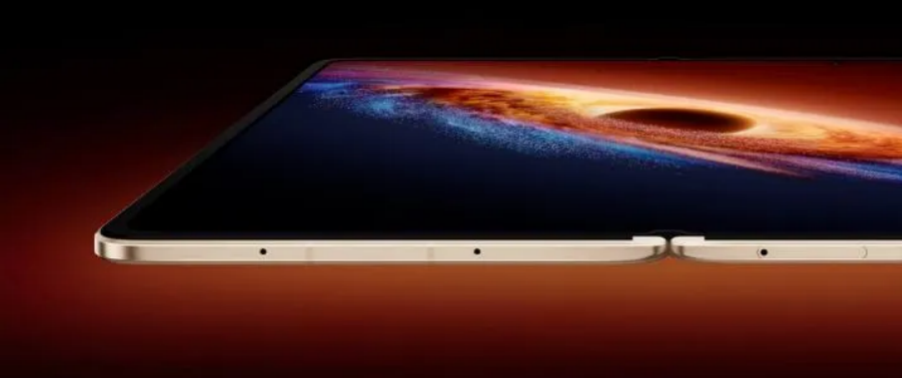
Most smartphones include tools that support better sleep when used wisely. Turn on night or blue light filter mode in the evening to warm the screen’s color and reduce eye strain. On the HONOR Magic V6 fold phone, lower screen brightness as bedtime approaches, especially in dark rooms. Schedule Do Not Disturb or a custom “Sleep” focus to block notifications during your sleep window while allowing calls from key contacts. Many health or clock apps offer bedtime reminders and sleep tracking; use them to set a consistent schedule and notice patterns. Avoid reading intense news or work emails right before sleep. Combine gentle settings with calmer content to protect your rest.
Conclusion
Small, deliberate changes to how you use your smartphone can protect both productivity and sleep. During the day, limit notifications, rely on focus modes, and schedule regular screen breaks to support deeper concentration and reduce stress. At night, create a routine that does not revolve around scrolling, place your phone away from the bed, and use sleep-friendly settings to soften light and silence alerts. You stay in charge of the device, not the other way around. With consistent habits, your smartphone becomes a tool that supports your work, health, and recovery instead of draining your time and energy.
