
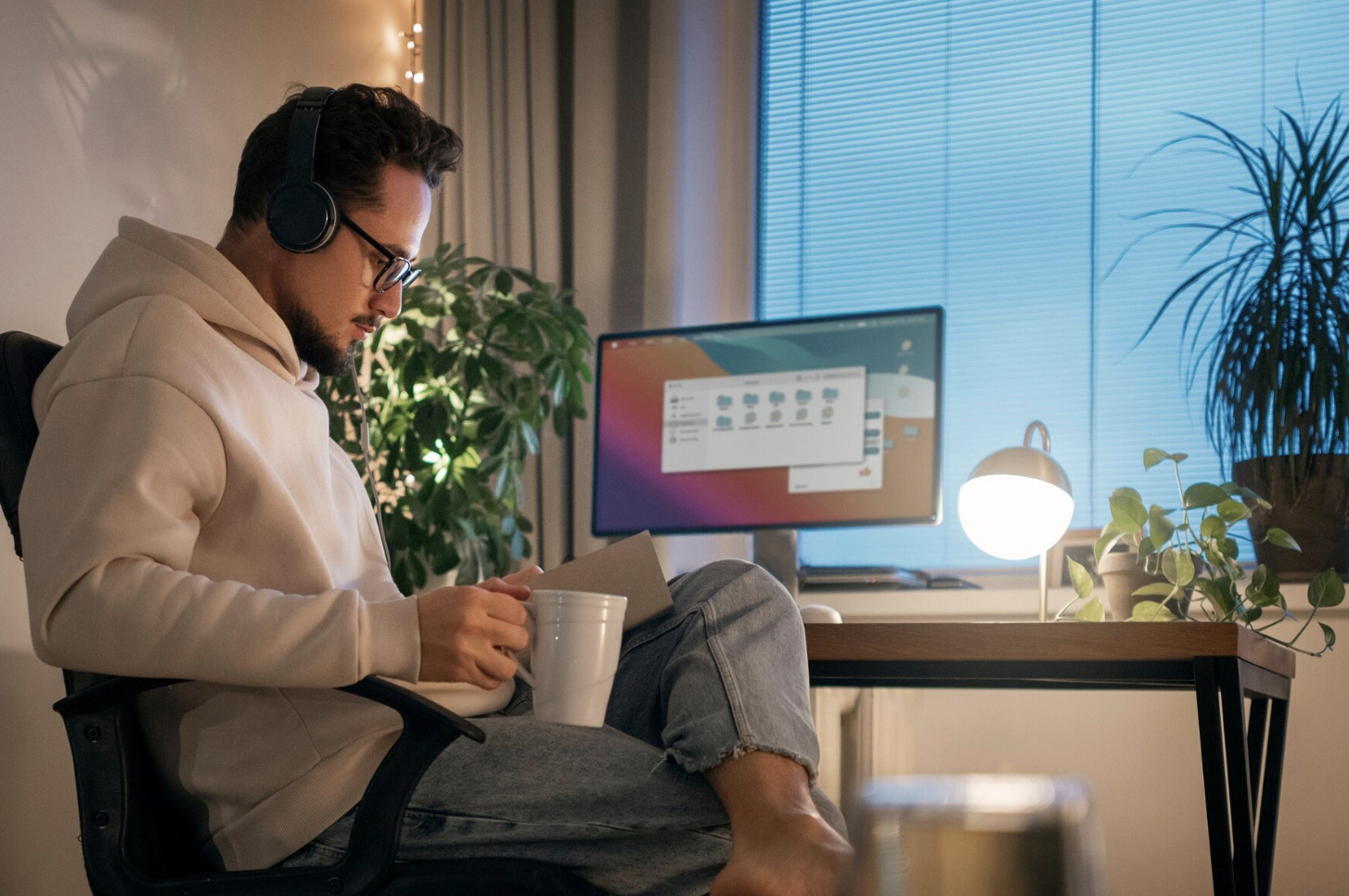
Have you ever wondered why some people finish tasks faster, even when they use similar computers and devices? The answer often starts with a smarter desk setup that keeps everything organized, comfortable, and easy to reach. Good placement of your equipment can improve focus, reduce strain, and help your technology perform better throughout the day.
Even small changes can create a workspace that feels cleaner and works more smoothly for daily tasks, work, or gaming. By reading this guide, you will discover practical ideas that improve comfort, support better performance, and make every day at your desk more productive.
Build A Smarter Desk Setup For Better Results
A clean desk gives every device enough space to work without getting crowded. When keyboards, monitors, and other tools stay in the right place, daily tasks feel easier and smoother. Good organization also helps you find what you need without wasting time.
Place your monitor at eye level to reduce neck strain during long hours. Keep your keyboard and mouse close enough so your arms stay relaxed while working or playing. This simple layout supports better comfort and helps you stay focused throughout the day.
Leave enough open space on your desk for writing, moving your mouse, and using other daily tools. A balanced layout keeps important items within easy reach without making the workspace feel crowded. This simple habit helps you stay organized and makes each task easier to complete.
Keep Your Desk Comfortable Every Day
Comfort plays a big part in everyday productivity because it helps you work longer without feeling tired. A chair with good back support keeps your body in a healthy position during long sessions. Your feet should rest flat on the floor while your elbows stay close to your sides.
Good lighting also makes a desk feel more comfortable and easier to use. Natural light works well during the day, while a soft desk lamp helps during the evening. Better lighting reduces eye strain and makes reading screens much easier.
Taking short breaks during the day also helps you stay comfortable while using your desk. Standing up, stretching, and resting your eyes can reduce stiffness and improve focus. These simple habits help you return to your work feeling refreshed and ready to continue.
Organize Cables For Faster Workflows
Messy cables can make any desk look crowded and harder to manage. They also collect dust and sometimes block airflow around your devices. Keeping cables neat creates a cleaner space and helps equipment stay easier to maintain.
Cable clips, sleeves, and simple ties keep wires together without much effort. Labeling charging cables also saves time when connecting different devices. Small changes like these support faster workflows and make daily tasks less frustrating.
Check your cables from time to time to make sure they stay secure and in good condition. Replace damaged wires quickly to help protect your devices and avoid unexpected problems. Regular cable care keeps your workspace safe, organized, and ready for everyday use.
Choose Accessories That Improve Daily Use
The right desk accessories help your workspace stay neat and comfortable without adding clutter. A monitor stand creates extra room while raising your screen to a better height. Small storage trays also keep pens, drives, and other items easy to find.
A quality mouse pad helps your mouse move smoothly across the desk every day. Durable options from Mouse Pads Now provide comfortable surfaces for work, gaming, and general computer use. Choosing reliable accessories helps improve accuracy while protecting your desk from daily wear.
Choose accessories that match your daily tasks instead of filling your desk with extra items. Simple tools that you use often can improve your workflow without taking up too much space.
Give Your Devices Room To Stay Cool
Electronic devices perform better when they have enough airflow around them. Blocking vents with papers or other objects can trap heat and reduce performance over time. Keeping open space around computers helps them stay cooler during heavy use.
Regular cleaning also helps remove dust that builds up inside and around equipment. Wiping your desk and cleaning air vents keeps airflow moving freely. This simple habit supports improved tech performance and may help devices last longer.
Avoid placing hot drinks or other liquids too close to your electronic devices while working. Accidental spills can damage important equipment and interrupt your daily tasks.
Place Everyday Tools Within Easy Reach
Frequently used items should stay close to your hands throughout the day. Keeping notebooks, chargers, headphones, and other tools nearby reduces extra movement during work. This simple habit saves time and helps you stay focused on important tasks.
Less common items can stay inside drawers or storage boxes until needed. A tidy desk creates more open space for daily work without feeling crowded. Better organization also makes cleaning your workspace much faster.
Take a few minutes at the end of each day to return every item to its proper place. This simple routine keeps your desk ready for the next work session without extra effort.
Upgrade Only When It Adds Value
Buying new equipment is not always the best answer for better performance. Sometimes moving your monitor, replacing worn accessories, or adding better lighting gives stronger results. Small upgrades often improve comfort without spending too much money.
When you decide to replace equipment, choose products that match your daily needs. Reliable devices with good quality usually last longer and work more smoothly over time. Smart choices help create a workspace that supports both productivity and long-term value.
Take time to review your desk setup every few months to see what still works well. You may find simple changes that improve comfort or make daily tasks easier without buying more equipment.
Make Every Day Feel More Productive
Small improvements can create a workspace that feels cleaner, more comfortable, and easier to use every day. A smarter desk setup supports better posture, faster workflows, and improved tech performance without requiring expensive changes. By keeping your space organized, choosing useful accessories, and caring for your equipment, you build a desk that works with you instead of against you.
Start with one simple improvement today, then continue adding helpful changes over time for even better results. Did this guide help you? Browse the rest of this section for more advice on a variety of topics.

Appreciate the depth in this piece. For end-to-end AI song generation, see Happy Shrimp at /. Happy Shrimp
Super easy navigation and the bonuses are actually attainable. I love how straightforward everything is on phplus777login. 5 stars from me!
The APK installation was super simple and the app runs perfectly on my Android. No crashes so far. Get betwinerapk and start winning!
The practical framing in “Smarter Desk Setups That Boost Everyday Tech Performance” stood out to me. I have been comparing lightweight browser games that reward daily practice, and the point about keeping strategy notes simple is easy to overlook. The point about Have you ever wondered why some people finish tasks faster, even when they use similar computers and devices was also worth saving.
Thanks for putting this together — the bit on “Smarter Desk Setups That Boost Everyday Tech Performance” is the part I actually needed, and the examples made it easy to follow.
Thanks for writing this up. I play the daily rare-answer trivia game Krillion and have been using a free fan wiki that keeps the official daily answer archives plus a score calculator for the seven-clue rounds — handy when you want to check an answer or total up a run: https://krillionwiki.com/
The APK installation was quick and the app is very lightweight. Perfect for those of us who want to play on the move. Check phokbetapk
Finally found a place where the slots actually hit. The login process is quick and everything just works. Give puasbetslotlogin a go if you love slots.
Smart desk upgrades. This piece nails ergonomics cable management and workflow. Clear tips on raising monitor height choosing an ergonomic chair and good lighting make a real difference for focus. Practical ideas for eye care organizing keyboards and docks help readers declutter, Engwe discount code and improve efficiency. A concise guide for anyone looking to boost daily tech performance at work or home.