
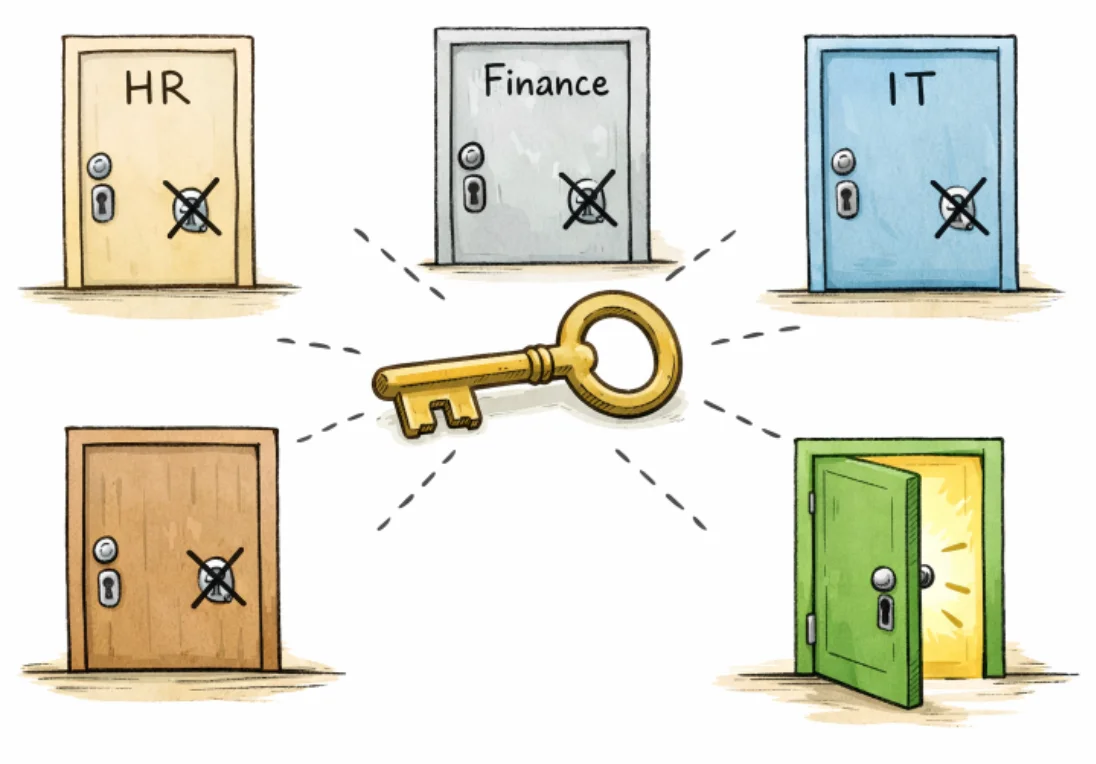
Effective user permission design is a cornerstone of robust system security. By thoughtfully assigning and managing access, organizations can protect sensitive information, reduce the risk of data breaches, and enhance operational efficiency. Maintaining a well-structured permission model not only strengthens compliance with regulatory requirements but also enhances the user experience. For those seeking inspiration for streamlined interfaces, browsing permissions UI examples can reveal how industry leaders organize access controls in user-friendly ways.
Without clear permission structures, companies expose themselves to the risk of chaos, where unauthorized individuals may access confidential data or inadvertently cause harm. By instituting guidelines that align with both business objectives and user needs, system administrators can sharply reduce errors and ensure responsibilities are assigned properly. Sound user-permission design ultimately supports organizational agility, allowing teams to adapt to new requirements while minimizing vulnerabilities quickly.
Permission systems must keep pace with evolving security threats and workplace changes such as remote work and third-party collaborations. Frequent reviews and updates to permission policies ensure access levels are always appropriate and access is rapidly revoked or changed when necessary. Considering the ongoing frequency of security breaches worldwide, there has never been a more important time to establish clear access management protocols across digital platforms.
In the following sections, you will discover proven strategies for designing user permissions that improve security, support compliance, and foster a productive work environment. Institutions like TechTarget highlight how granular access and regular reviews play a pivotal role in reducing insider threats and misconfigurations.
Principle of Least Privilege
Granting users only the access necessary to perform their job functions is fundamental to minimizing risk. The principle of least privilege dictates that each individual should have the minimal amount of access required—no more, no less. For example, a marketing associate would not need permission to view payroll or HR files unless those duties fall under their role. Preventing unnecessary access sharply reduces the likelihood of both accidental and malicious data exposure.
Role-Based Access Control
Role-based access control, or RBAC, streamlines permission management by tying access rights to specific roles rather than to individual users. This approach ensures consistency, simplifies onboarding, and accelerates permission changes during team restructuring. If a new member joins the finance team, they simply get assigned the “Finance” role and immediately gain access to all relevant tools and files. RBAC also supports compliance, as each role can be aligned with legal requirements for data use and retention.
Regular Access Reviews
Scheduled reviews of user permissions are vital for maintaining an accurate security posture. Team members may change roles, leave the company, or no longer need access to certain resources. Regular access audits allow administrators to assess whether existing permissions remain warranted and to revoke any outdated or unnecessary access. This practice, endorsed by organizations such as CISA, helps ensure compliance and reduces the risk of permission creep.
Multi-Factor Authentication
Multi-factor authentication (MFA) adds essential layers of protection against unauthorized access. MFA requires users to present at least two separate types of credentials, such as a password and a code sent to their mobile device. In environments where permissions grant access to highly sensitive information, MFA can be the difference between a successful and a failed cyberattack. Implementing MFA is widely regarded as a critical measure for modern businesses.
Automated Onboarding and Offboarding
Automation streamlines the process of adding or removing user permissions during onboarding and offboarding. Automated workflows eliminate manual errors and ensure access rights are updated immediately when an employee’s status changes. This is essential for preventing lingering access, which often represents a significant security weakness if not addressed promptly after departures or team transitions.
Clear Audit Trails
Comprehensive logging of permission changes and user activities supports regulatory compliance, incident response, and forensic investigations. Clear audit trails make it much easier to identify who accessed what and why. In the event of a breach or suspicious activity, these records are invaluable for pinpointing causes and remediating issues. Transparent logging is also helpful for demonstrating due diligence during compliance audits.
User-Friendly Interface
Administering user permissions can be complex, especially as organizations grow and diversify. Designing an intuitive interface for permission management reduces errors and makes it easier for system administrators to efficiently assign, modify, or revoke access. Clarity in navigation and logical grouping of settings empowers administrators to respond quickly to changes and minimize the learning curve for new personnel.
Conclusion
Adopting these best practices for user permission design delivers significant benefits for security, compliance, and productivity. A well-structured permission system enables organizations to safeguard data and resources while remaining flexible to evolving business needs. Regular reviews, principled role assignment, and clear logging are essential complements to robust authentication and automation. By committing to these guidelines, companies stand better equipped to face current and emerging cybersecurity threats.

David Weber is an experienced writer specializing in a range of topics, delivering insightful and informative content for diverse audiences.